decordip Garden and patio decoration inspiration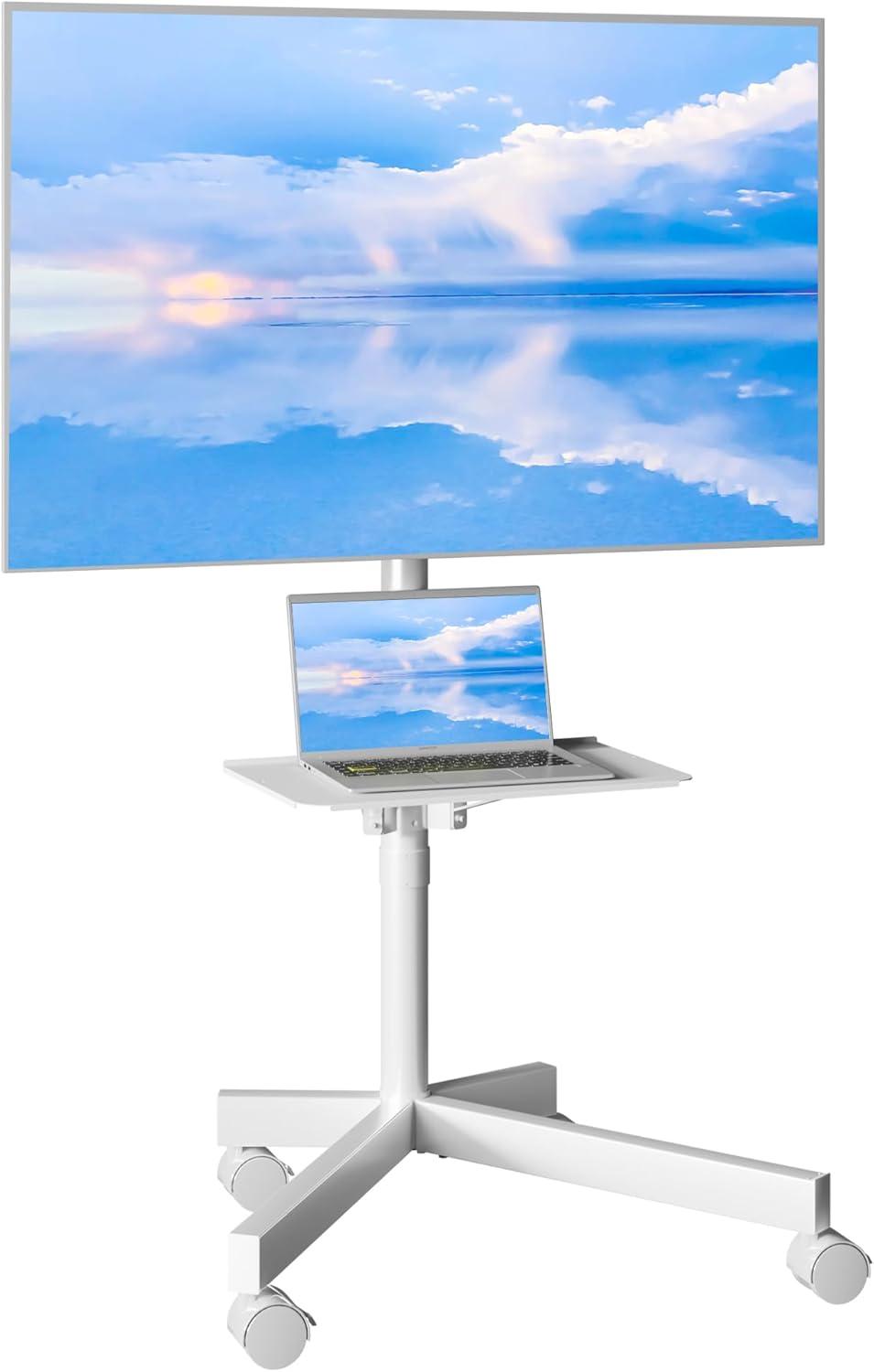
Across from the armchair, a BONTEC Mobile TV Stand quietly anchors the view. It’s taller than it looks in photos—when you stand beside it the slim mast rises to meet the middle of the screen, altering the room’s vertical rhythm. The powder‑coated metal is cool and slightly grainy under your palm, and the low laminate shelf catches the lamp’s warm spill. Roll it a few feet and the casters move with a soft, contained rumble; lock them and the whole thing reads as planted rather than precarious. Even before you tuck cables into the neat channels at the back, the piece reads utilitarian—clean geometry more than decorative flourish. You notice it mostly by how it reshapes sightlines, leaving a neutral, slightly industrial footprint in the space.
A quick look at what the BONTEC mobile TV stand brings to your room

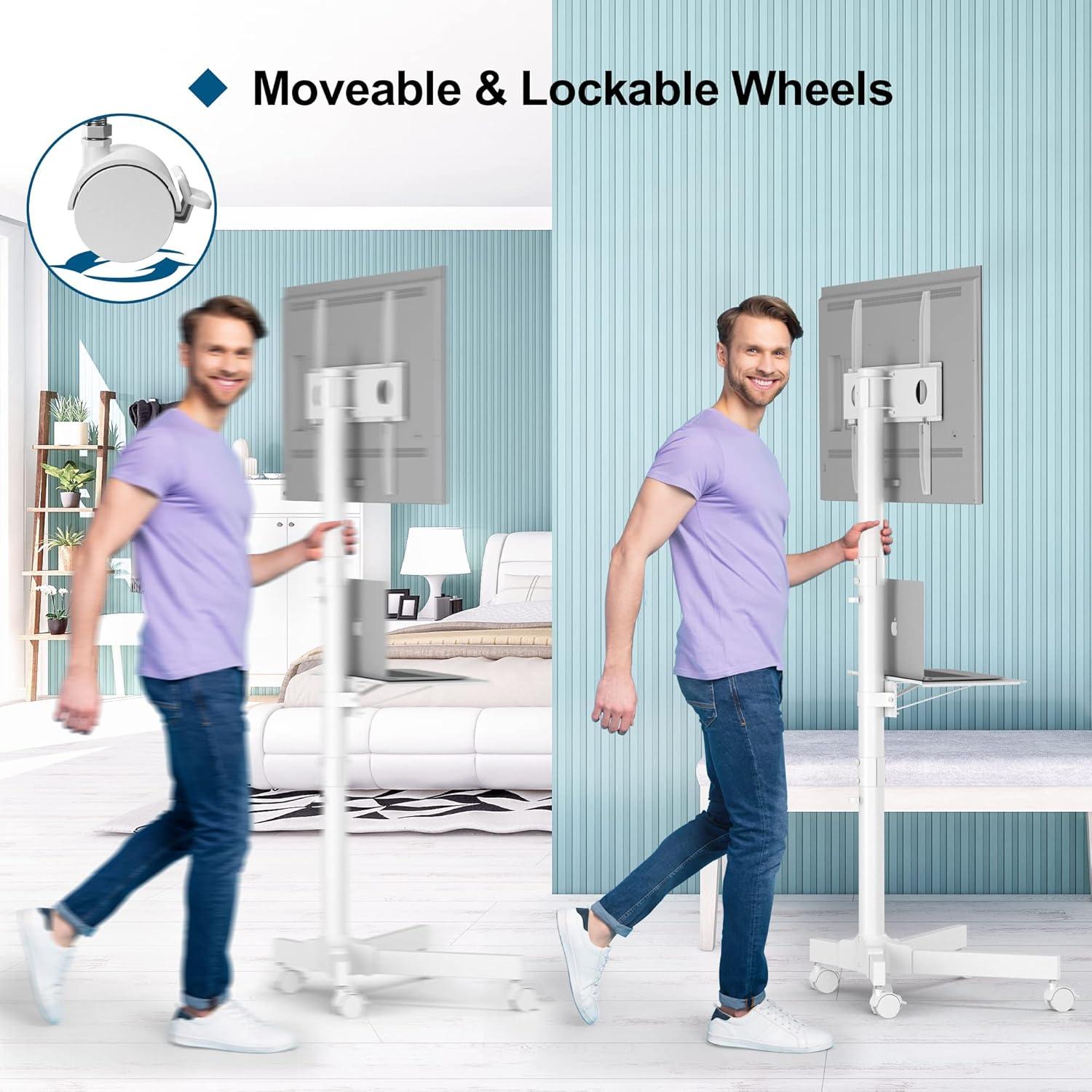
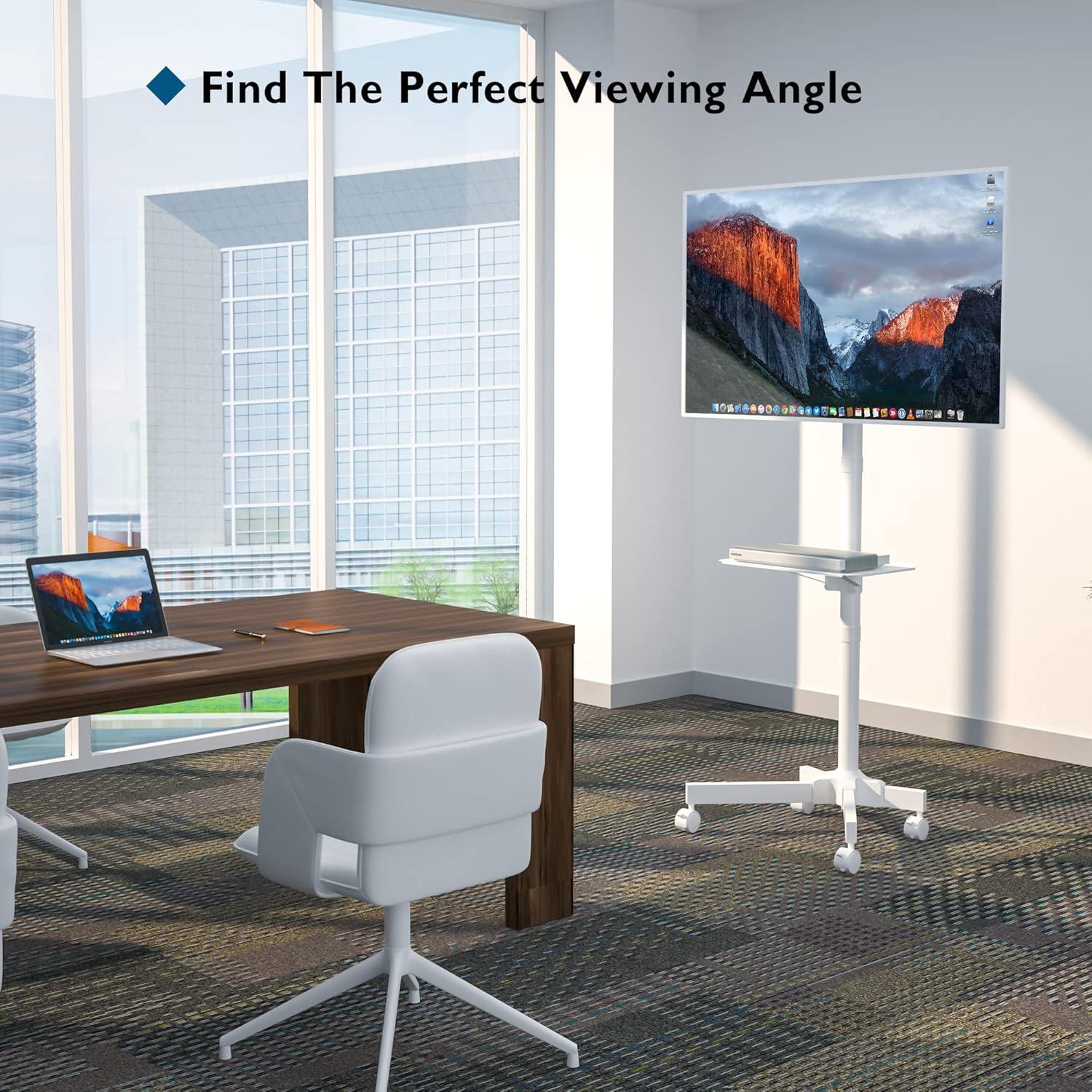
Placed in a room, the stand reads as a pragmatic presence rather than a focal piece — it gives you an easy way to put a screen where you need it and to shift it when plans change. Wheels meen you can nudge the display closer to the couch for a movie, roll it out to the deck on a mild afternoon, or tuck it near a desk when you need extra screen space; the casters also lock so the unit stays put during use. Cable clips and the raised platform keep cords off the floor in most setups, and the visible hardware and pole create a utilitarian, slightly industrial silhouette that catches the eye without demanding the room’s style direction.
In everyday use you’ll find small, recurring habits emerge: sliding the stand a few inches to dodge glare, angling the screen for someone on the side couch, or adjusting the height a notch to match a different chair. It tends to feel most stable on hard floors and can feel a bit more reluctant to roll on thicker carpet, so where you park it matters. Quick observations at a glance:
- Mobility: moves easily between spaces and locks into place.
- Footprint: occupies a modest floor area but still reads as a piece of equipment in the room.
- Cable tidiness: keeps wires off the floor and more contained than a freestanding TV on a table.
What the frame, finish, and fittings reveal up close for your space
Up close, the frame reads as a purpose-built piece of hardware rather than decorative furniture. The finish has an even, matte sheen that hides fingerprints in some lights but highlights dust on horizontal surfaces; seams where tubes meet show faint tooling marks and the weld beads are visible if you crouch to inspect them. Exposed fastener heads and the adjustment knobs are plainly accessible — nothing is hidden — and the plastic trims around the mounting bracket and shelf feel noticeably different in texture from the metal, with a quieter, slightly hollow sound when tapped. You’ll find yourself making tiny, habitual tweaks: nudging the base to sit flush against a wall, tightening a loose bolt after a few bumps, or nudging the cable clips so cords lay flat instead of bunching.
- Casters — smooth-rolling, with visible locking tabs and slight play where thay attach to the base
- Mounting bracket — stamped metal with visible slot patterns and countersunk screw heads
- Shelf hardware — sliding brackets that click into set positions and show machining marks on the underside
- Cable clips — snap-in pieces that leave a narrow gap behind them for wires
Seen in your room, those details affect how the unit settles into daily use: the powder-coated finish tends to resist quick scuffs but will show lint or dust after a few days, and the plastic fittings—while lighter to the touch—reveal seam lines and can collect grime in corners.When you move the stand around you’ll notice a soft scrape of the casters on different floor types and the occasional need to relock a wheel to keep it steady; the visible fasteners make small field adjustments easy, so you might tighten or replace a screw without disassembling anything. Below is a quick visual guide to what small, practical cues you can expect to spot when the stand is in active use.
| Component | What you’ll notice up close | In-use cue |
|---|---|---|
| Frame finish | Uniform matte coat with faint weld marks | Shows dust on flat surfaces; resists light fingerprints |
| Fasteners & slots | Countersunk screws and visible slot patterns | Easy access for minor tightening or height tweaks |
| Fittings (plastic trims, clips) | Different texture and mold lines | Can trap dust; may require occasional repositioning |
How your television mounts and how much room the stand actually takes up
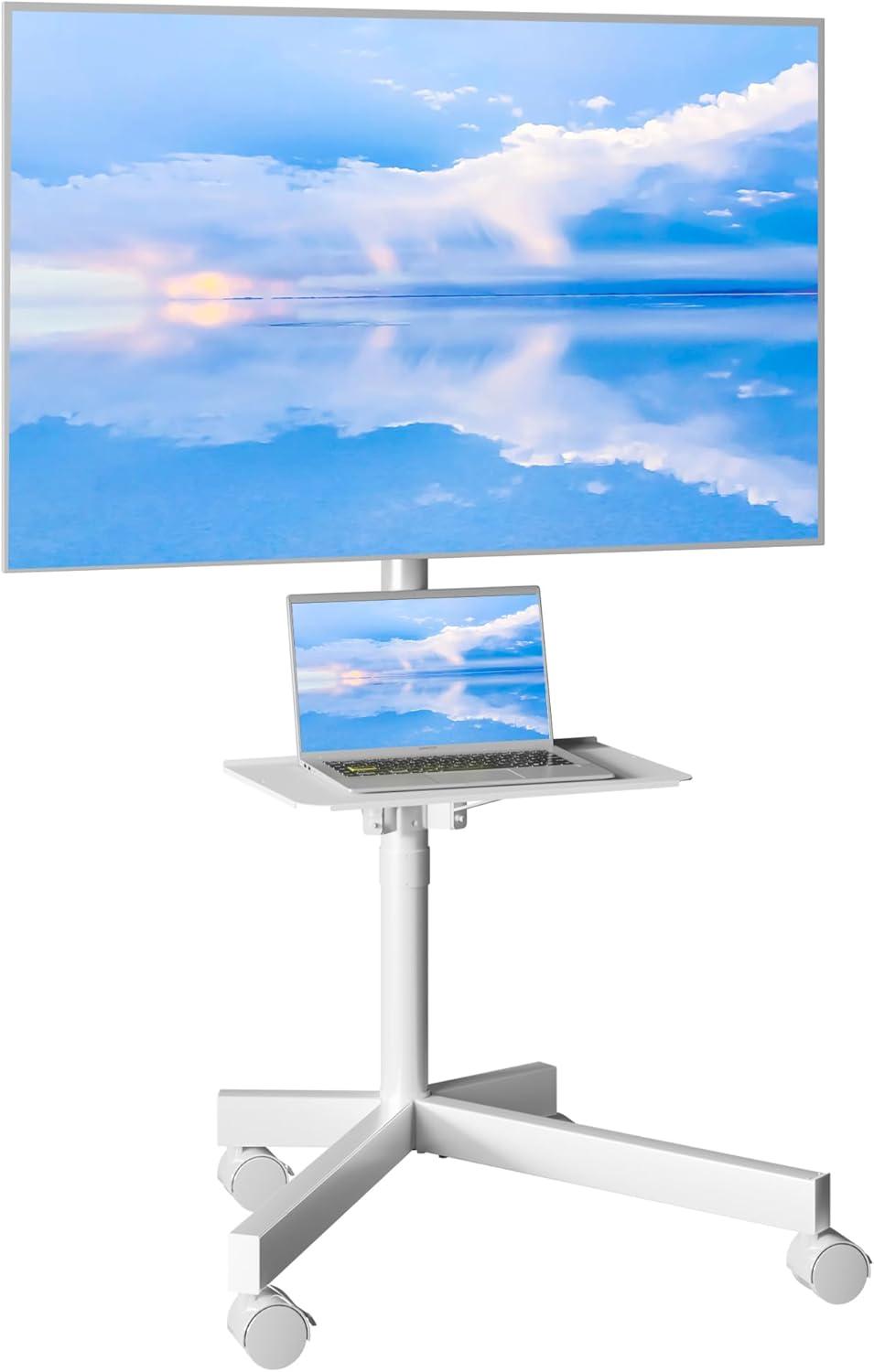
When you mount your TV it behaves like a typical VESA-style hang: the bracket exposes a set of mounting slots so you line up your TV’s holes, hook the screen onto the top rail and then secure it with the screws through the back plate. In practice that means you often tilt the screen forward a little to engage the hooks and then tighten the mounting bolts from behind; there’s a small locking point you can feel click into place onc the TV is seated. You’ll notice there’s no built‑in tilt mechanism to change the viewing angle from the mount itself, so height is the main on‑stand adjustment and the TV sits a few inches away from the pole, wich leaves a narrow channel for the cables. A few quick things you’ll do while mounting:
- Align VESA holes to the bracket slots.
- Hang the TV on the rail and hand‑tighten fasteners.
- Secure the safety/locking screw once the screen is resting.
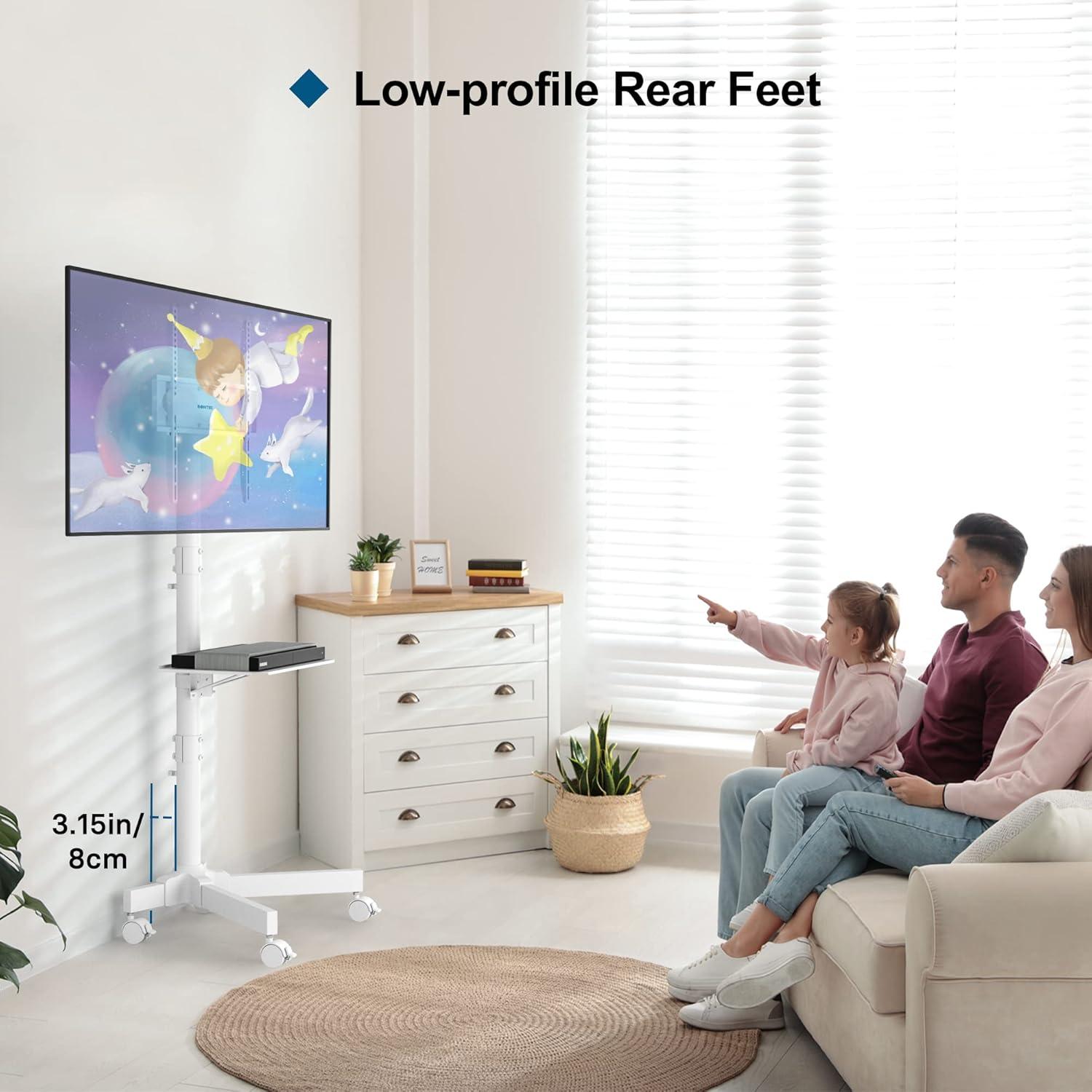
The stand’s footprint is compact compared with a full media console, so it doesn’t demand much floor real estate but it does need a bit of clearance behind and to the sides for cables and the caster housings. You’ll find it easy to tuck the base close to a wall, though not fully flush because of the gap the mount creates; moving the assembled unit through a doorway usually requires a short turn but is doable if you angle it and unlock the casters. the table below gives rough, observed room‑requirements to help picture it in a room (all figures are approximate and can vary slightly with TV depth and caster type):
| Measurement | observed range (approx.) |
|---|---|
| Base width (floor contact) | ~18–22 inches |
| Base depth (front-to-back) | ~12–16 inches |
| Gap between TV back and pole | ~2–4 inches |
| Doorway width to roll assembled through | ~28–32 inches (angled) |
In everyday use you’ll often nudge the stand a few inches to get the cables agreeable or to avoid blocking a vent; the compact base makes those small repositionings convenient but does mean you’ll be conscious of that modest gap behind the screen when planning a tight placement.
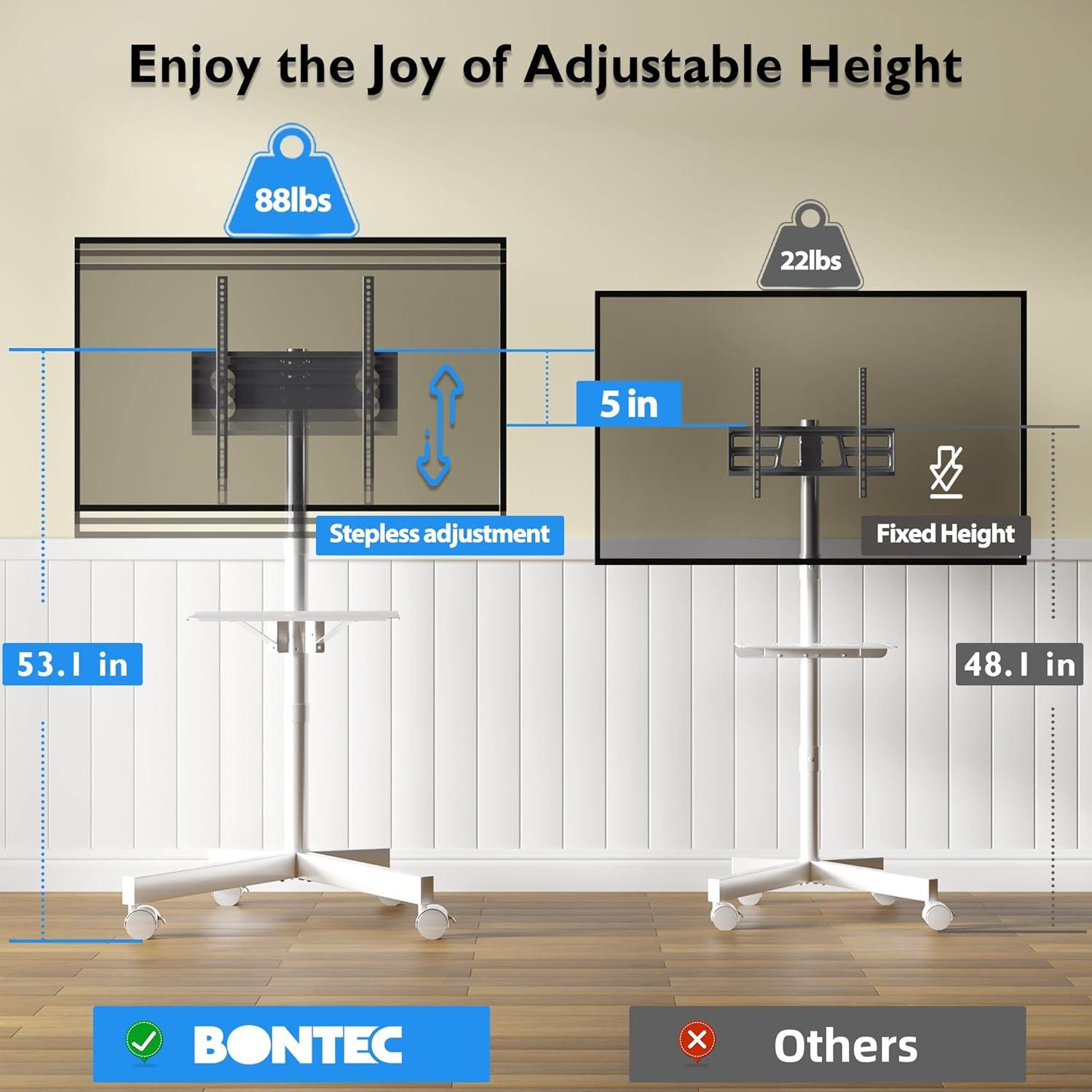
When you move the stand around, it behaves like a piece of furniture you nudge rather than a heavy appliance you carry. A gentle push will roll it across hard floors and low-pile carpet; you’ll find yourself easing it over thresholds or slowing before you hit rugs to avoid a sudden jolt. The casters let you make small, one-handed adjustments to angle and placement — often you’ll stop, click the locks, and then reach back to straighten cables or tweak the screen tilt. In everyday use the motion is habitual: slide it to the foot of the bed for evening TV, nudge it into a corner during a party, or pull it closer to a work surface when you need the screen for a quick video call.
In daily rooms the shelf ends up doing more than hold a boxy device; it becomes a staging area that moves with the screen. You’ll typically place a power strip, a streaming stick or small player, and a remote on it, and sometimes a laptop or a small speaker, so the whole setup rolls as one. The shelf’s position often determines how you route cords and where the stand finally parks, and dusting or rearranging it becomes part of the routine whenever the cart changes rooms.
- Typical shelf items: power strip, streaming puck or box, remote, small laptop or game controller.
| Room | Typical movement/use pattern |
|---|---|
| Living room | Shift slightly for glare or to face a group; often left locked in place during gatherings. |
| Bedroom | Rolled close to the bed for late-night viewing; shelf holds bedside essentials temporarily. |
| Outdoor/deck | Moved out for short, weather-permitting sessions and brought in afterwards with cords secured on the shelf. |
How it measures up to your living room expectations and what it does and does not accommodate

In a typical living room rhythm—moving a screen between seating areas, angling it toward windows in the afternoon, or rolling it outside for a brief gathering—this stand tends to behave like a functional, no-frills piece of AV furniture. Its mobility and small footprint make it easy to tuck behind a sofa or to pull forward for closer viewing; the integrated shelf keeps a streaming stick or small set‑top box in reach without forcing devices to sit on the floor. The following observations summarize how common living-room needs are handled in practice:
- Flexible placement: slides and locks into position on hard floors and low-profile rugs with minimal fuss;
- Accessory accommodation: room for a power strip and slim media boxes, though larger receivers or game consoles will feel exposed;
- Temporary outdoor use: portable enough for a brief move to a covered patio, provided cords and weather exposure are managed.
There are practical limits that shape how the stand fits into daily use.Raised mounting heights and larger screens can make the assembly feel top‑heavy at times, so small repositioning or extra cable slack often happens after each move; the cable routing tidies things but does not fully hide wires where a built‑in console would. Deep‑pile carpet reduces caster performance and can produce slight wobble until the locks are engaged, and there’s little in the way of concealed storage for bulky AV components or a full soundbar. The visual presence leans toward utilitarian rather than decorative, so in more formal living rooms it tends to read as gear rather than furniture.Full specifications and current configuration details can be viewed on the product listing.
What assembly looks like and how you care for the stand over time
When you open the box you’ll notice the parts arrive organized but compact, and assembly mostly looks like a small construction project laid out on the floor: base with casters, a couple of vertical poles, the mounting bracket, and the adjustable shelf. the written diagram walks you through a predictable sequence — attach the wheels to the base, stack and align the poles, fasten the shelf, then mount the bracket — and many people find it helpful to loosely thread every bolt first so you can nudge pieces into place before tightening. Expect to use the included Allen key plus a Phillips screwdriver; common hiccups are stacking the poles in the wrong order or missing a spacer, both of which are easy to spot if you compare parts to the diagram. A few quick visual cues you’ll see as you work: the cable clips snap onto the rear column, the shelf slides to different heights and sits flush once bolted, and the wheels click into place so the unit rolls freely and locks when needed.
- Loose-thread first: start all screws by hand so everything lines up.
- Check order: confirm pole sequence against the drawing before final tightening.
- Caster fit: push each wheel fully until it seats and test the locks before mounting the screen.
Over time caring for the stand mostly becomes a short routine of visual checks and occasional small adjustments rather than heavy maintenance.In the weeks after initial setup you’ll probably re-check and snug the main bolts once or twice as movement tends to work hardware looser; after that a monthly glance at the mounting screws and the caster locks usually suffices. Keep the shelf and back of the column free of dust with a soft, dry cloth and clear any lint that accumulates in the wheels — carpet fibers can gather and reduce caster action if you move the stand a lot. If the wheels begin to squeak or drag, a drop of light lubricant on the axle gets them rolling smoothly again; when you reposition the shelf or change height settings, loosen only the bolts you need and retighten evenly so nothing tilts. The following table gives a simple maintenance rhythm you can follow if you want a quick checklist:
| Task | When to do it |
|---|---|
| Snug mounting and pole bolts | After first week, then monthly |
| Clean shelf and cable clips | As needed; typically every 2–4 weeks |
| inspect and clear casters | Monthly or after heavy movement |
| Lubricate wheel axles | Every few months or if wheels squeak |
How It Lives in the Space
You start to notice, over time, the BONTEC Mobile TV Stand for 23-60 Inch TVs slipping into the room’s daily rhythms more than standing out. As the room is used, it quietly alters how you arrange seats and angle cushions, showing a kind of comfort behavior in small, repeated gestures. The shelf and top pick up faint marks and the wheels collect the dust of regular use, little traces that make it feel lived-in in daily routines. After a while it simply becomes part of the room.