PERLESMITH Swivel Universal TV Stand Mount: your space saver

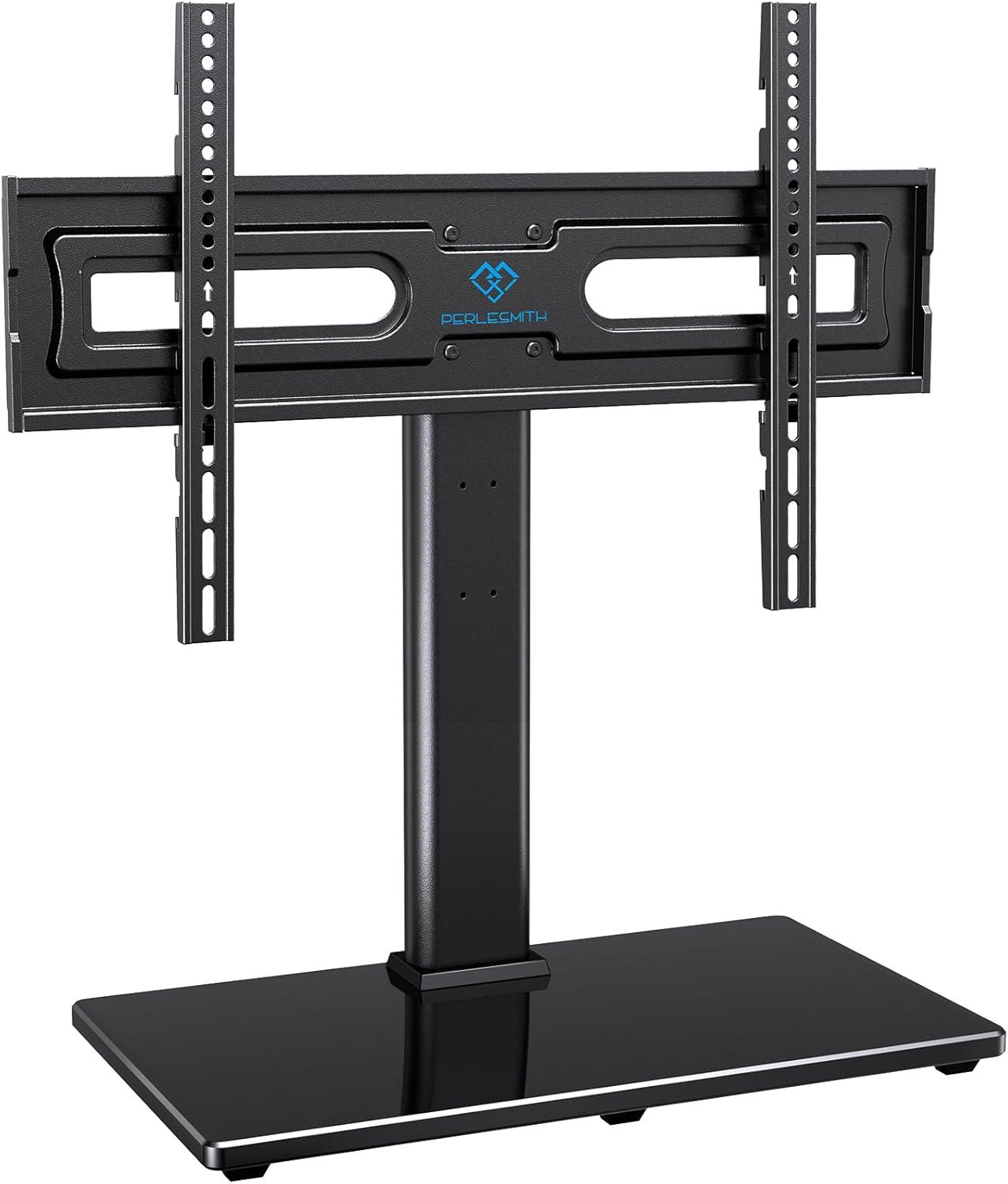
sunlight picks up the tempered glass base and throws a pale reflection across the rug, making the whole setup feel lighter than its actual bulk. PERLESMITH’s Swivel Universal TV stand — the height‑adjustable, glass‑base model — sits in my living room with a quiet, industrial calm: the matte metal column is cool under your hand and the screen’s visual weight seems neatly centered over a broad, sturdy footprint. Tilt or swivel the panel and the motion is restrained and smooth; a shallow channel at the back keeps cords out of sight and the shelf below the screen leaves a intentional strip of empty space for a soundbar or a couple of controllers. Up close the glass shows handling marks, but from the couch the unit reads as an anchored, no‑nonsense presence rather than a piece shouting for attention.
A first look at the PERLESMITH swivel table mount and the contents of the box
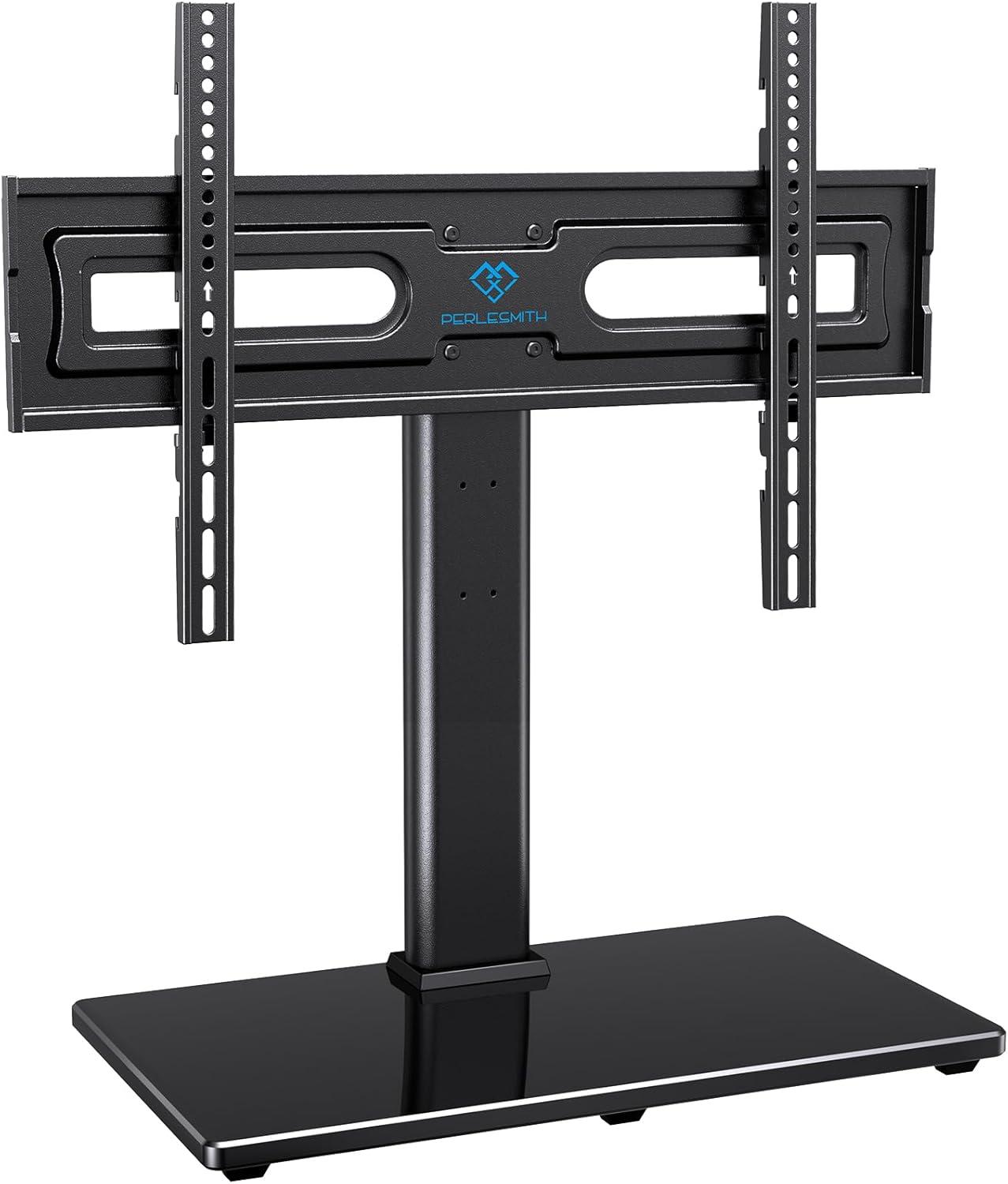
You lift the outer box and find the inner packaging arranged to keep heavier pieces away from the glass. The tempered glass base sits flat, swaddled in foam and a plastic sleeve so that you don’t see scratches on first glance; the vertical support and mounting plate come as separate wrapped assemblies tucked beside it. Several clearly labeled plastic bags hold fasteners, spacers and short allen keys, and a folded instruction sheet sits on top where you’re likely to spot it before the smaller parts. As you sort the pieces across the table, you’ll notice the larger metal parts are already bolted together in places while the finer bits—screws, washers, and a handful of rubber pads—are loose, which means you tend to spend a few minutes matching fasteners to holes before you begin tightening anything.
Below is a quick inventory you can scan while you unpack; the list echoes what you’ll pull from the box and the little table gives a brief snapshot of the hardware grouping. The bags aren’t numbered but several are labelled with size hints, and there are a couple of spare screws tucked in one pouch. It’s the kind of unboxing where you’ll naturally set aside similarly sized screws together and keep the manual within reach. inside the box
- Tempered glass base (wrapped)
- Support column and mounting plate assemblies (wrapped)
- Assorted hardware bags: screws, washers, spacers, rubber pads
- Small tools and cable ties
- Instruction manual and parts diagram
| Component group | packaging/notes |
|---|---|
| glass base | Foam and plastic sleeve, lies flat on bottom of box |
| Metal assemblies | Wrapped in plastic, partly pre-assembled |
| Hardware bags | Multiple sizes, some labelled; includes spare fasteners |
| Manual & tools | Folded sheet and a couple of Allen keys; cable ties included |
How it occupies your surface the base footprint height range and screen clearance
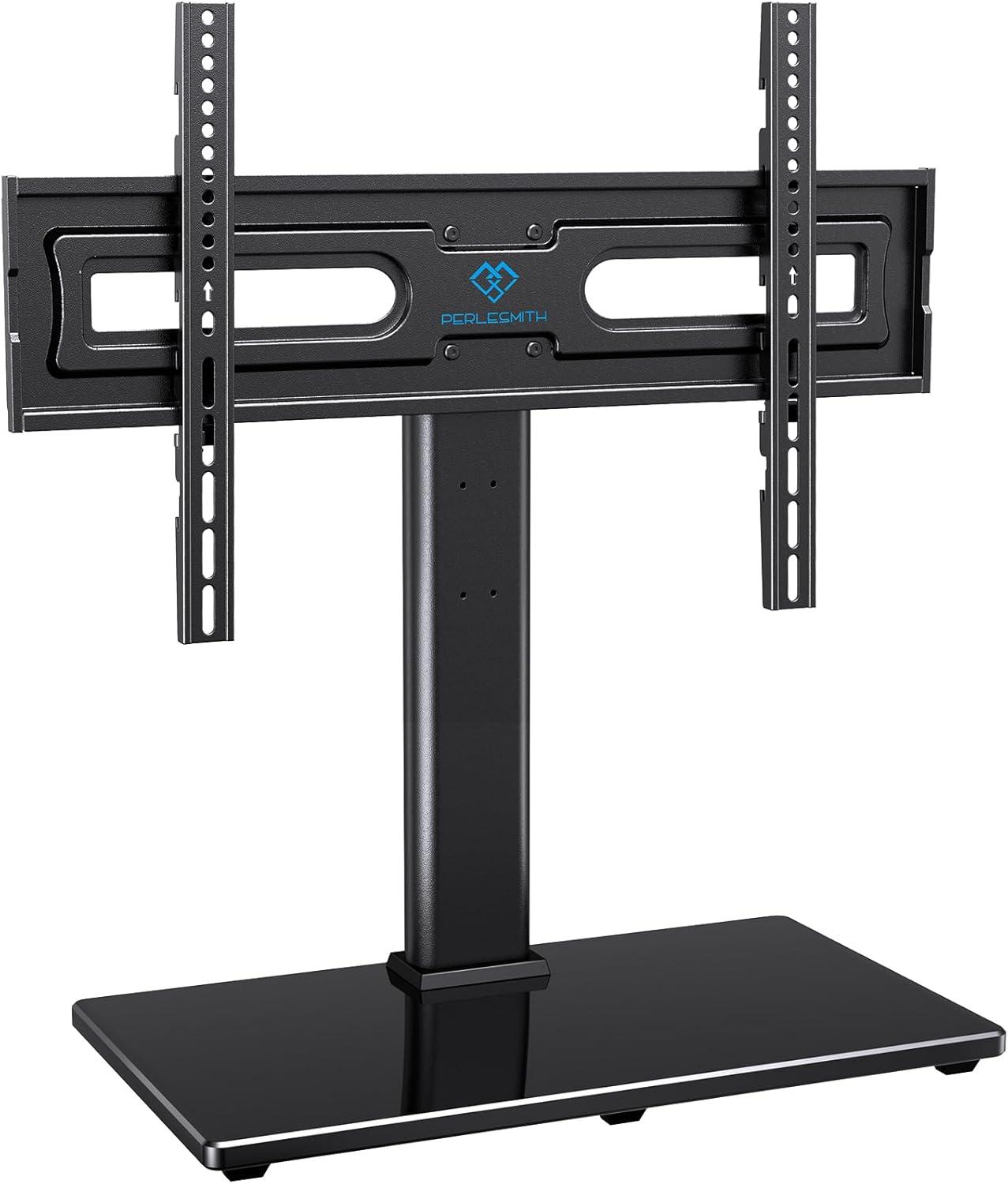
How the stand sits on your tabletop is immediately noticeable: the base claims a central patch of surface and the glass platform spreads that presence across a low, stable rectangle so items placed to the left and right remain usable while the middle is effectively reserved for the mount. When you nudge the assembly into place it tends to stay put rather than slide, and the small rubber feet mean the stand doesn’t bite into wood or veneer the way a metal foot might; still, you’ll find yourself angling the whole unit a few degrees now and then to line the screen with room lighting or the edge of a shelf.Pay attention to the distance from the back edge of your furniture — the stand leaves a short gap for cables,but that gap can shrink if you push the base flush against a wall,which changes how much of the tabletop behind the TV is actually usable.
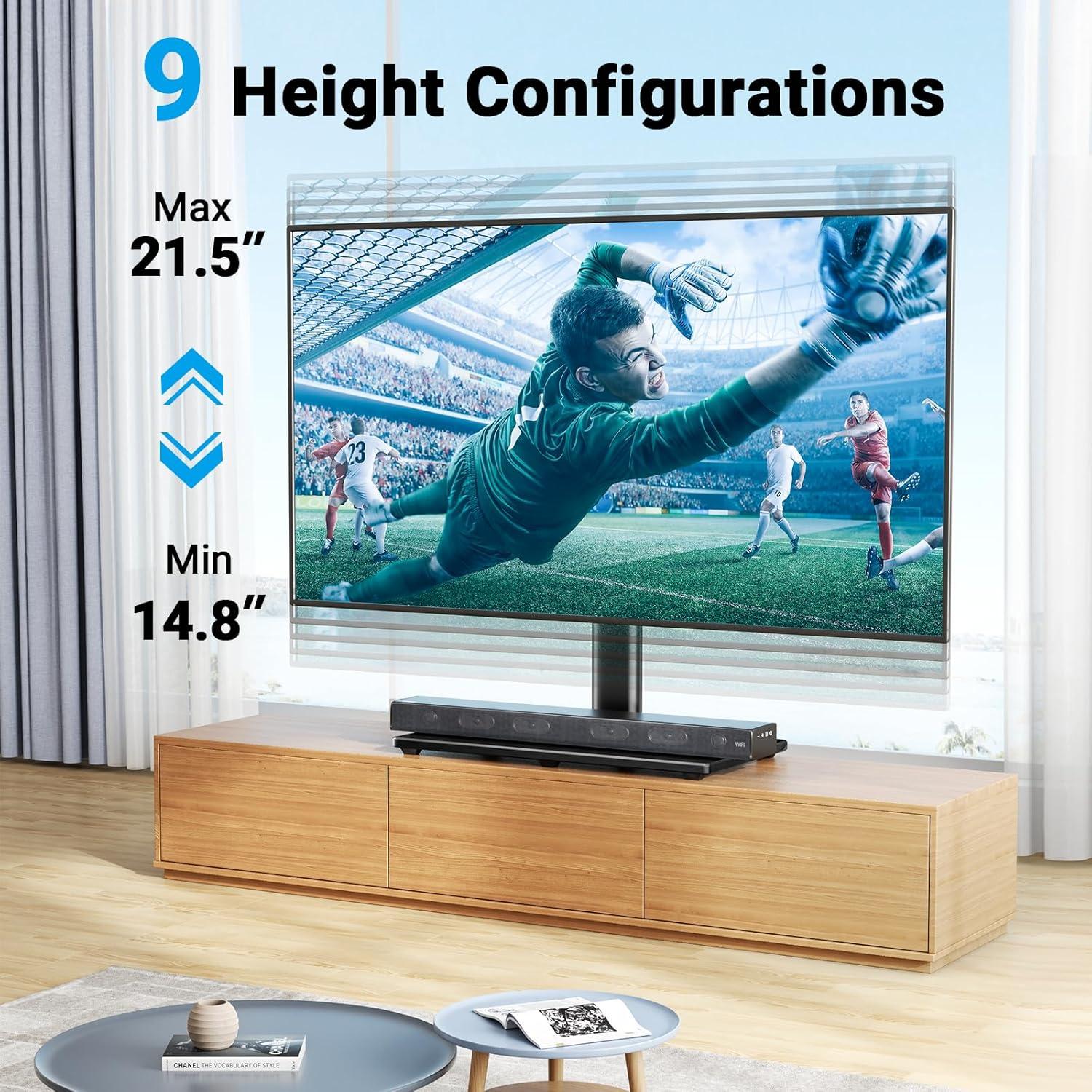
Height adjustments change how much usable space appears beneath the screen and how the set occupies vertical space above your surface. There are nine discrete positions, and as you step through them the lower bezel climbs, creating progressively more space for a soundbar, a slim console, or a stack of remotes. In practice you’ll notice a few recurring patterns:
- Lowest positions — the screen sits close to the tabletop with only a narrow lip beneath it.
- Middle positions — create enough room for low-profile soundbars and small devices without the TV feeling too raised.
- Highest positions — free up visible storage under the screen but also lift the screen’s center higher in the room.
| Setting range | Typical clearance observed |
|---|---|
| Low | just a few inches — fits remotes and slim bars |
| Middle | Moderate gap — room for most soundbars and small boxes |
| High | Larger opening — space for bulkier soundbars or stacked devices |
The materials you’ll notice up close tempered glass base metal column and finish details

If you crouch down and look closely at the base, the tempered glass reads as the part that announces itself first. The surface is glossy and reflective, with a clean, mirror-like sheen that shows dust and fingerprints more readily than matte surfaces; smudges and streaks tend to appear in ordinary use and become visible under room lighting. the edge work is polished and slightly rounded rather than sharp, so the profile catches light in a thin highlight rather than a blunt line. From underneath you can see the rubber feet and the way the glass sits on its supports; there are small factory marks where pads or adhesives are seated, and a faint stamped marking that indicates tempering if you scan the underside. When the stand is nudged you can notice a very subtle give at the juncture of glass and support, but tapping the glass produces a muted, solid sound rather than a hollow ring.
The vertical column and associated trim reveal the construction choices up close: a matte, fine-textured coating covers the main metal tube while small plastic caps and covers hide fasteners and the cable channel. You’ll spot recessed screw heads and the seam lines where the column meets the mounting plate; those joints are mostly tight but show tiny gaps in the plastic trim at some angles. The cable route is a vertical slot with smoothed edges and a removable cover that clips into place—practical in use, and it’s where fingerprints and dust collect first. A few visual cues stand out in everyday handling:
- Tempered glass: high reflectivity, polished edges, visible smudging
- Metal column: matte powder-coat texture, recessed fasteners, seam lines
- Trim and covers: snap-fit plastics with small alignment gaps
| Component | Observed detail |
|---|---|
| Glass base | Polished edge, glossy surface, visible fingerprints and dust |
| Column finish | Matte textured coating, tight but visible seams near mounts |
| Cable trim & fasteners | Snap-on covers, recessed screws, tiny alignment gaps |
How it moves swivel tilt and cable routing during everyday handling
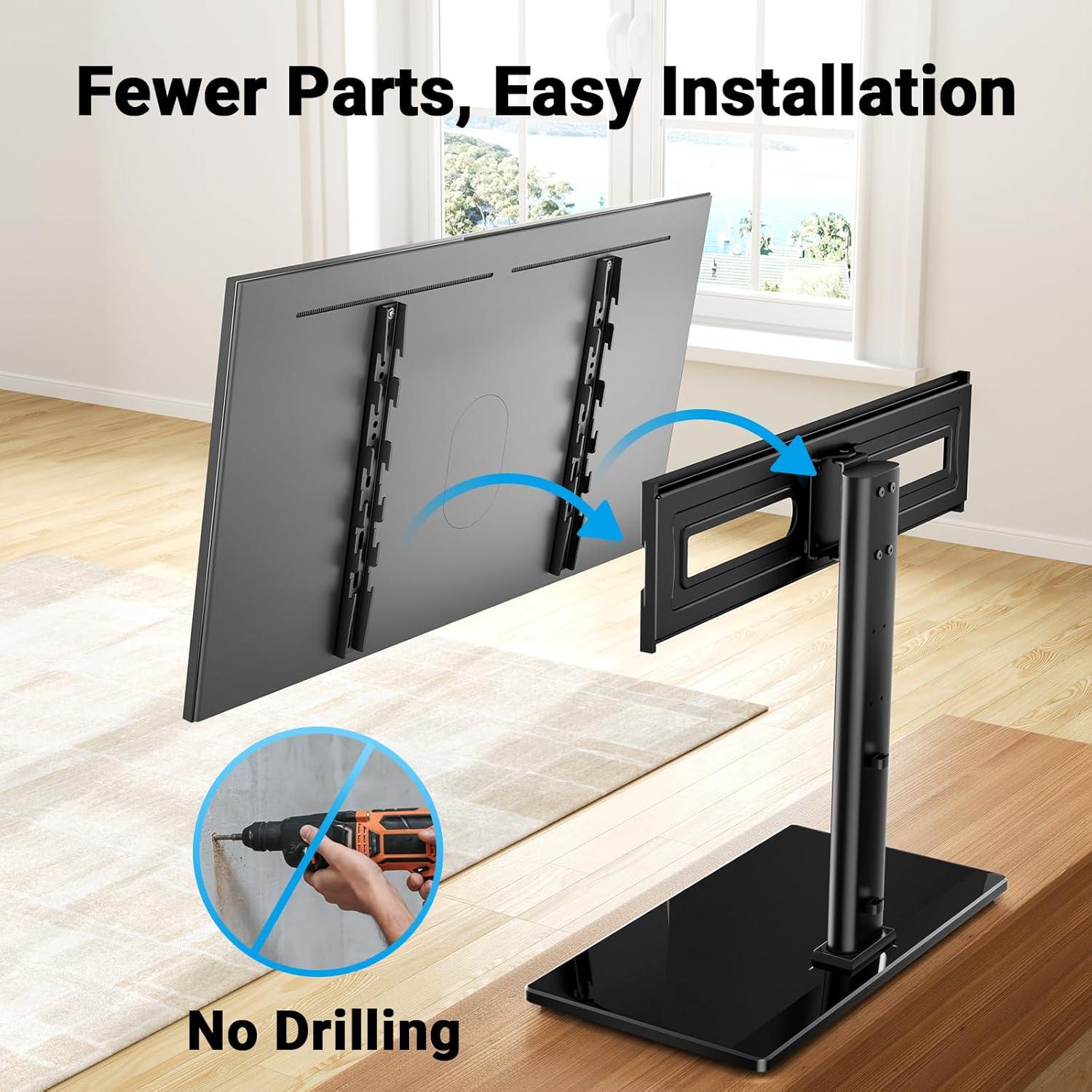
When you nudge the screen to angle it,the swivel moves with a steady,predictable resistance — enough that a casual push changes the view but the panel rarely drifts on its own. tilting is a two-handed maneuver more frequently enough than a one-handed flick; you tend to support the top edge and guide the bottom to the desired angle, feeling a firm friction as the mechanism settles into place. There are a few tactile cues worth noting as you handle it:
- Smoothness — the swivel runs without jolting, though very slow, precise adjustments sometimes require a smaller push.
- Effort — moderate effort for larger screens; smaller screens can be nudged with a single hand.
- Positional stability — once stopped, the screen stays put without noticeable creep.
- Audible feedback — small rubbing noises can occur if the unit hasn’t seen occasional movement or if cables pull slightly during the motion.
The wire-management route follows the same practical, slightly utilitarian logic you use in everyday setups: cables feed down from the bracket into a narrow channel and exit near the stand’s rear, where there’s a little gap for them to pass through. That routing keeps most wires out of sight but also means you’ll need to leave extra slack behind the panel when you plan to swivel frequently, otherwise connections tug at the ports. The table below maps where those tensions and clearances show up in normal use:
| Location | What you’ll notice in use |
|---|---|
| Bracket opening | Easy to thread 1–2 cables; larger bundles need folding or separate routing. |
| Channel inside post | Conceals cables neatly but is narrow, so thicker power bricks or multiple HDMI runs can crowd it. |
| Exit at stand base | Cables splay out here and require a small loop to prevent pull when you swivel. |
How it feels in a room placing it on a TV console sideboard or your home desk

When you set it down on a TV console or sideboard, it has a quietly deliberate presence — the base catches ambient light and the screen no longer seems to be floating on the wall but anchored to the furniture beneath. Walking into the room, the arrangement often reads as a single vignette: screen, base, and whatever sits beneath the display. Small, habitual movements happen without thinking — angling the screen a few degrees to cut glare, nudging a decorative item over a few inches, or reaching behind to tidy a cable.A few repeated impressions tend to stand out:
- Stability: the set-up settles in place and rarely feels like it will shift when bumped.
- Visual weight: the screen’s lower edge defines the line of the furniture, which can make the whole console feel more intentional.
- Cable presence: tucked cables reduce the sense of clutter, so the area feels cleaner even if there are several devices connected.
On a home desk the dynamic changes: the display feels closer, more present while you work, and it subtly alters how you arrange your desk items — the keyboard might move forward, a lamp slides to the side, and that little pile of papers migrates elsewhere.The need to adjust posture or tilt the screen for a quick video call is a common,almost reflexive action. The table below captures a few of these lived differences in simple terms.
| Surface | Typical room feeling |
|---|---|
| TV console / sideboard | Anchored, curated focal area; furniture and screen feel integrated |
| Home desk | Immediate and task-oriented; screen becomes part of the workflow |
How it measures up to your expectations and what constraints may appear in daily use
In everyday use the stand mostly behaves predictably: the swivel and height settings permit modest repositioning without needing to lift the display, and the base layout leaves an obvious spot for AV components while making cable runs visible and accessible. The tempered glass surface tends to reveal dust and fingerprints quickly, which means light, regular wiping becomes part of routine care. Small, periodic tweaks are common — fasteners may be retightened after initial settling and cable ties adjusted as devices are added or swapped — and the non-slip feet generally keep the unit stable on hard floors while feeling less settled on deep pile carpets. Visible dust and fingerprints on the glass, cable-routing tightness behind large power bricks, and the need to use basic tools for most height or tilt changes are recurring behaviors one notices over time.
Constraints that surface during daily life are mostly practical rather than technical. Frequent repositioning of the screen can expose the swivel mechanism to gradual loosening, the glass base makes the unit heavier and slightly awkward to move solo, and the routed cable channel can be cramped for multi‑brick power supplies or unusually thick HDMI/AV leads. The table below sketches typical day-to-day actions and the common outcomes observed.
| Daily action | Typical constraint or outcome |
|---|---|
| Changing viewing angle often | Requires attention to bolt tension; swivel may need occasional readjustment |
| Rearranging furniture or relocating the stand | Glass base adds weight; two-person move is advisable |
| Adding multiple devices | Cable channel fills quickly; external power bricks may sit awkwardly |
| Keeping the surface clean | frequent wiping needed to maintain appearance |
Full specifications and configuration details are available on the product listing
Mounting steps adjustments and routine upkeep you will perform over time
After the initial install you’ll find yourself making a few small tweaks over the first days and weeks: a gentle retighten of the mounting bolts once the TV has settled, a tweak of the height or swivel to shave off a glare spot, and an occasional centering nudge when the set doesn’t sit perfectly square on the base.It’s common to notice tiny shifts after moving furniture or after kids and pets brush past the screen, so you’ll check the level and the mount’s alignment more often at first. Pay attention to how the swivel feels — if it drifts or feels loose you’ll tighten the fasteners that control the friction, and if the screen sits slightly forward or back you’ll rebalance the mount on the base until it looks visually centered from your usual seating positions.
Over time upkeep settles into a light, intermittent rhythm rather than a daily chore. Typical tasks you’ll perform include:
- Fastener checks — glance at screws and bolts for loosening and retighten as needed.
- Glass and surface care — dust and wipe the base with a soft, non-abrasive cloth to keep the tabletop area clear.
- Cable tidying — retape or re-tie cables that have worked loose and reposition cords after rearranging components.
- Anti-slip and pads — inspect rubber feet or pads for wear and replace if compression causes shifting.
You’ll also notice small, situational habits form: a quick level check after holiday rearrangements, moving a soundbar an inch for better clearance, or keeping a tiny toolkit nearby with a spare screw or Allen wrench. If any persistent wobble or unusual play appears, that’s when a closer inspection of the mounting plate and hardware becomes warranted rather than another casual tweak.

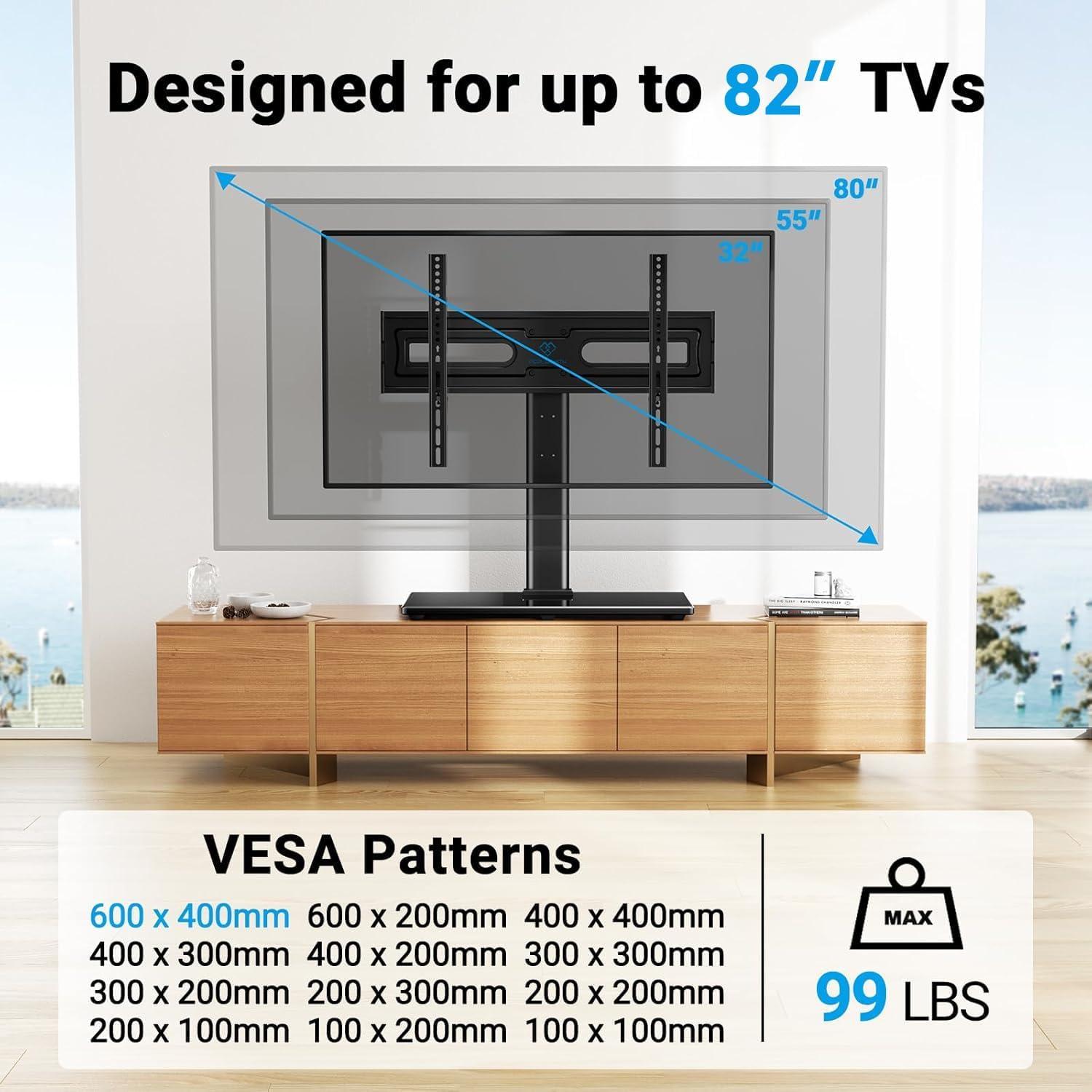
How It Lives in the Space
Living with the PERLESMITH Swivel Universal TV Stand Mount for 32-82 inch LCD OLED Flat/Curved Screen TVs up to 99lbs-Height Adjustable Table Top TV Stand/Base with Tempered Glass Base&Wire management,VESA 600x400mm, you start to notice it less as an object and more for the small ways it arranges your evenings. Over time you see how it nudges where peopel sit, how blankets get tossed, and the steady path cords take in regular household rhythms. Its surfaces gather little marks from hands and cups,and the quiet comfort of it shows up in routine motions rather than in any grand moment. After a while you notice it stays.